
Call recordings & secure cloud storage
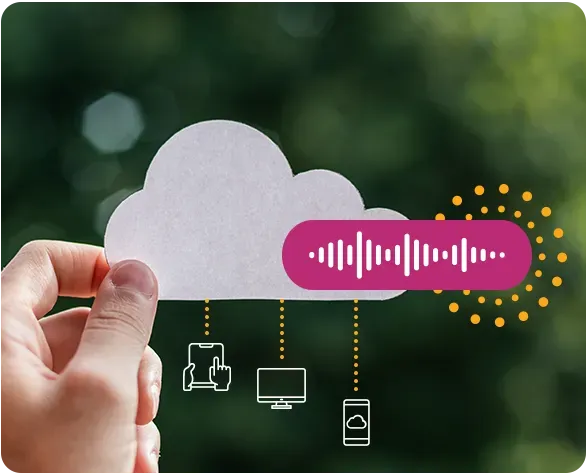
Record, access, and manage your calls while keeping them securely stored in the cloud.
Choose which
calls are recorded
Call recordings can be configured individually for each user, conference, or at any point in the call flow using a call recording object.
You can also record calls diverted to external numbers, such as toll-free numbers routed to an outside destination.
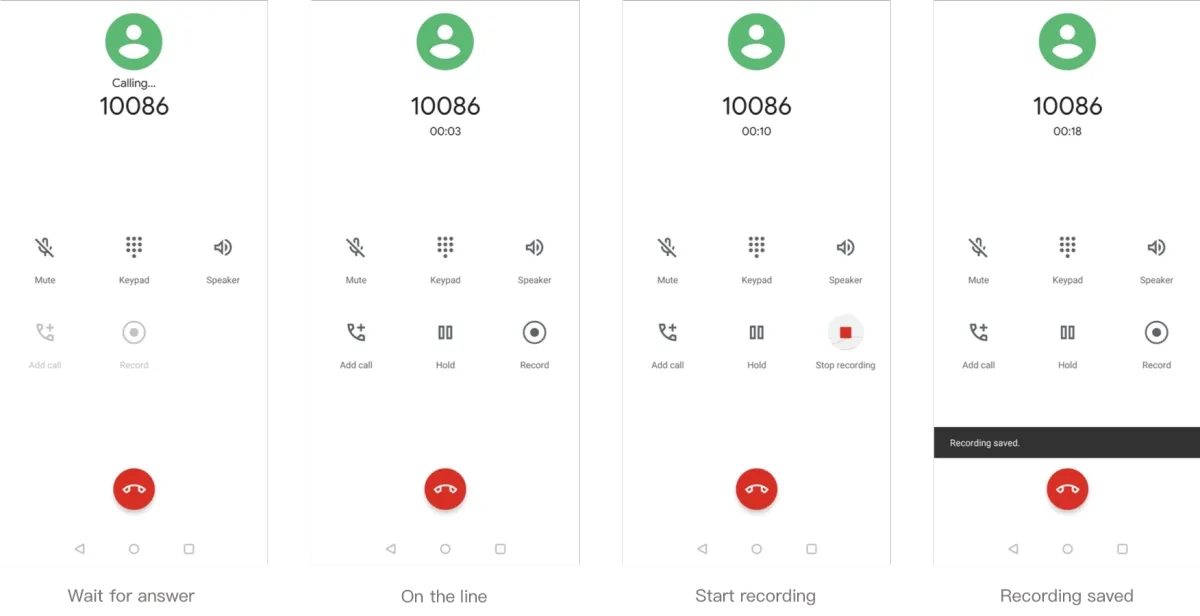
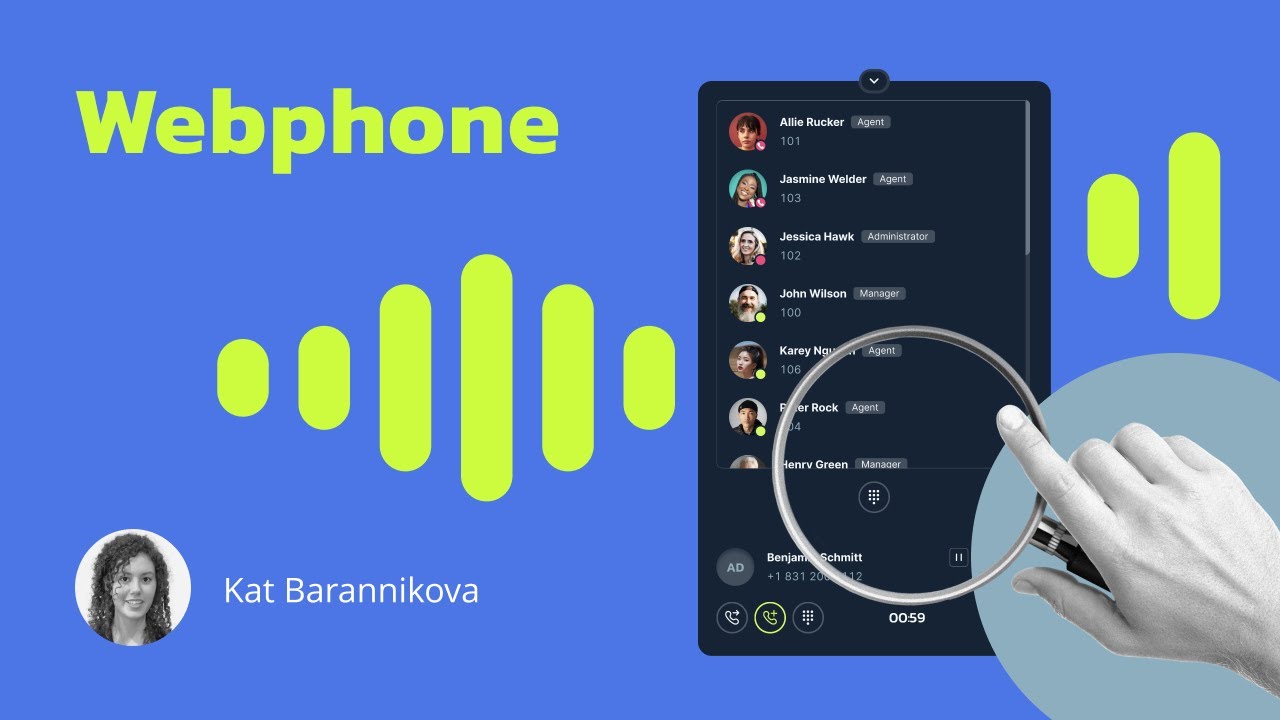
Call recording control in the Webphone
Users with call recording enabled can manage it directly in the Webphone—starting or stopping a recording on demand to protect sensitive information.
In call history, users can access and listen to their recorded calls stored in the cloud, but only for the calls they personally answered or made, provided recording is enabled for them.
Cloud storage management
Store recordings for a set duration or keep them indefinitely.
Use the customer portal to play, download, or delete recordings, and filter calls by:
Date
Recording method: user, conference, or call recording object
Call direction: inbound or outbound
Caller ID and dialled number
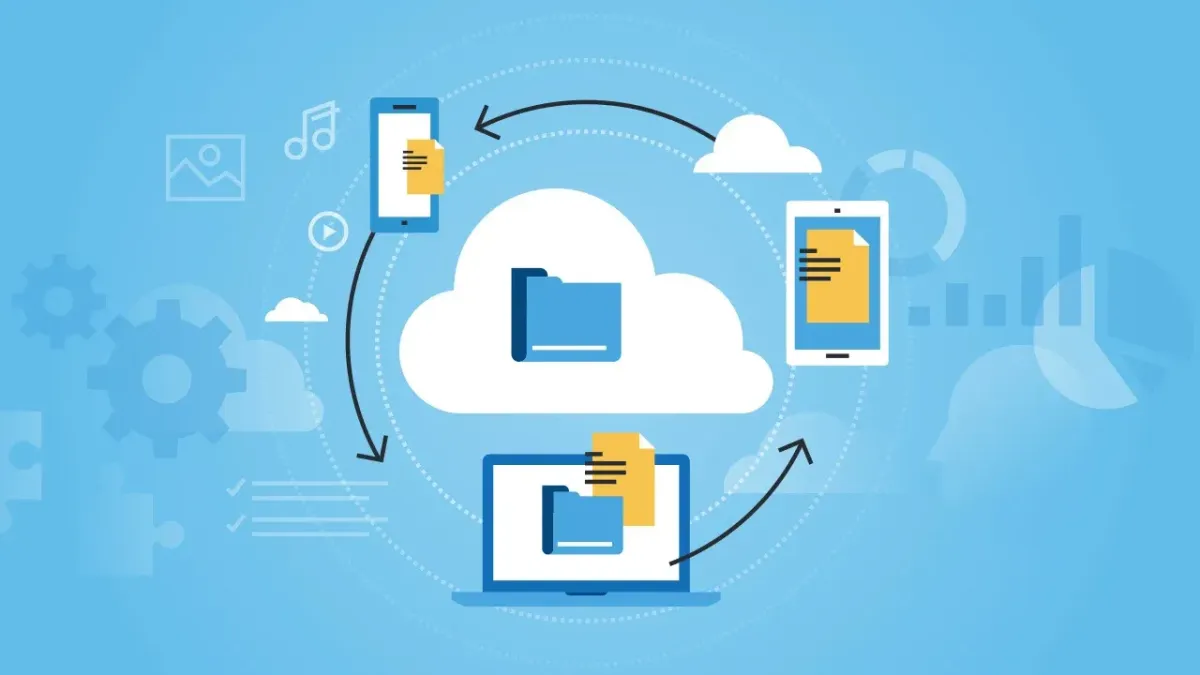
Send recordings to CRM or third-party system
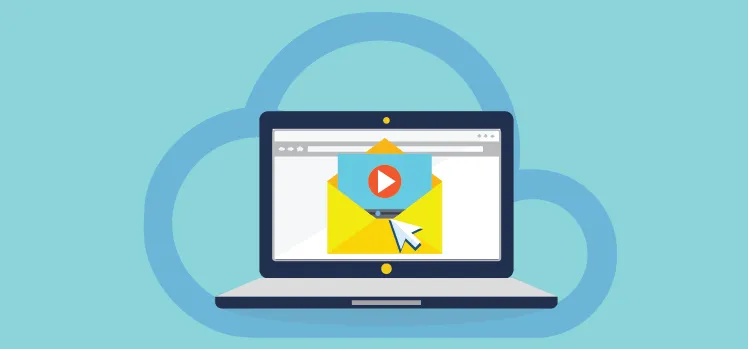
Automatically send call recordings to your CRM or other third-party systems via webhooks.
Along with key details, the webhook includes a direct link to listen to or download the recording.
Email recording to easy
backup
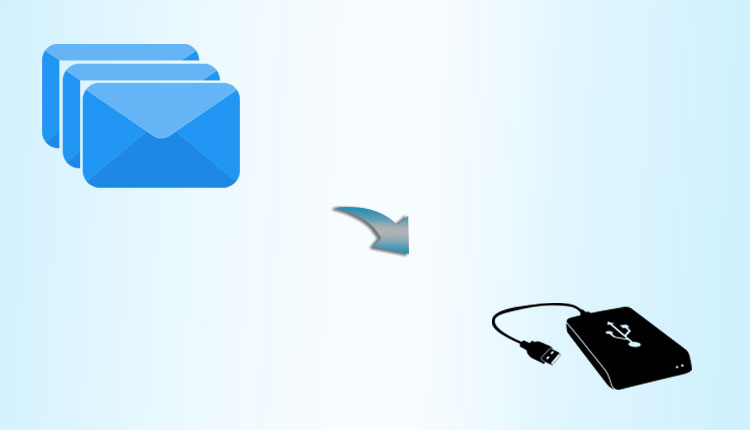
Send call recordings to multiple email addresses at once, ensuring backup copies are always available—subject to your email provider’s storage limits.
Frequently asked questions
What are call recordings and call recording cloud storage?
Call recordings capture audio from phone conversations, providing a record of customer interactions for quality assurance, training, or compliance purposes. Call recording cloud storage securely saves these recordings online, ensuring they’re accessible anytime.
What are the benefits of call recordings and keeping them in cloud storage?
Call recordings help improve customer service, resolve disputes, and train your team by providing valuable insights into conversations. Storing them in the cloud ensures easy access, enhanced security, and scalability.
How do I record a call automatically?
You can set up automatic call recording based on your preferences:
- Automatically record calls by user, with the ability to segregate inbound and outbound call recordings, by conference room, or call recording object.
- Place a call recording object anywhere in the call flow to record all calls that pass through it, including call diversion to external number(s)
For manual control, authorised users can press #1 to start and #0 to stop recordings during a call using any device.
How can I listen to old call recordings?
You can listen to previous call recordings through:
- Webphone: access your call history to play back your own recordings on demand.
- Customer portal: search for recordings by date, user, caller ID, dialled number and more, then play them directly.
- If recordings are sent to your email, you can also access them as MP3 attachments.
Can I try SmartBiz's call recording feature and cloud storage before committing?
Absolutely! We offer a free 30-day trial for businesses to explore our call recording and cloud storage features. It's a perfect opportunity to see how these tools can enhance your operations.
How can I get support if I have questions about call recordings or cloud storage?
Our friendly support team is here to help! Whether you need technical assistance or have questions about using our call recording and cloud storage features, we've got you covered.
Genuine review from our customers
You can click on the logo on the review itself to visit the source.
We are member
with


DOWNLOAD WEBPHONE



Products
Solutions
Feature Highlights
Phone Numbers
Pricing
Company
Contact us
Phone: (02) 7250 5577
Email: [email protected]
Address: Suite 4, 22 Belgrave St, Kogarah New South Wales 2217
Follow us


© Smart Bizphone. 2026. All Rights Reserved.
Smart Bizphone - A division of Digipearl Pty Ltd | ABN: 62615114406